My Wuthering Waves Pre-Download Adventure: A Comprehensive Guide for Fellow Rovers
As an avid gamer who's spent countless hours exploring the vast landscapes of Teyvat, I've been eagerly anticipating the arrival of Wuthering Waves. With the gaming community's growing frustration over the lack of end-game content in Genshin Impact, this new open-world adventure promises to be the breath of fresh air we've all been waiting for. The excitement reached its peak when I discovered that pre-downloads would begin on May 22, 2024 - giving us Rovers a head start before the official launch!
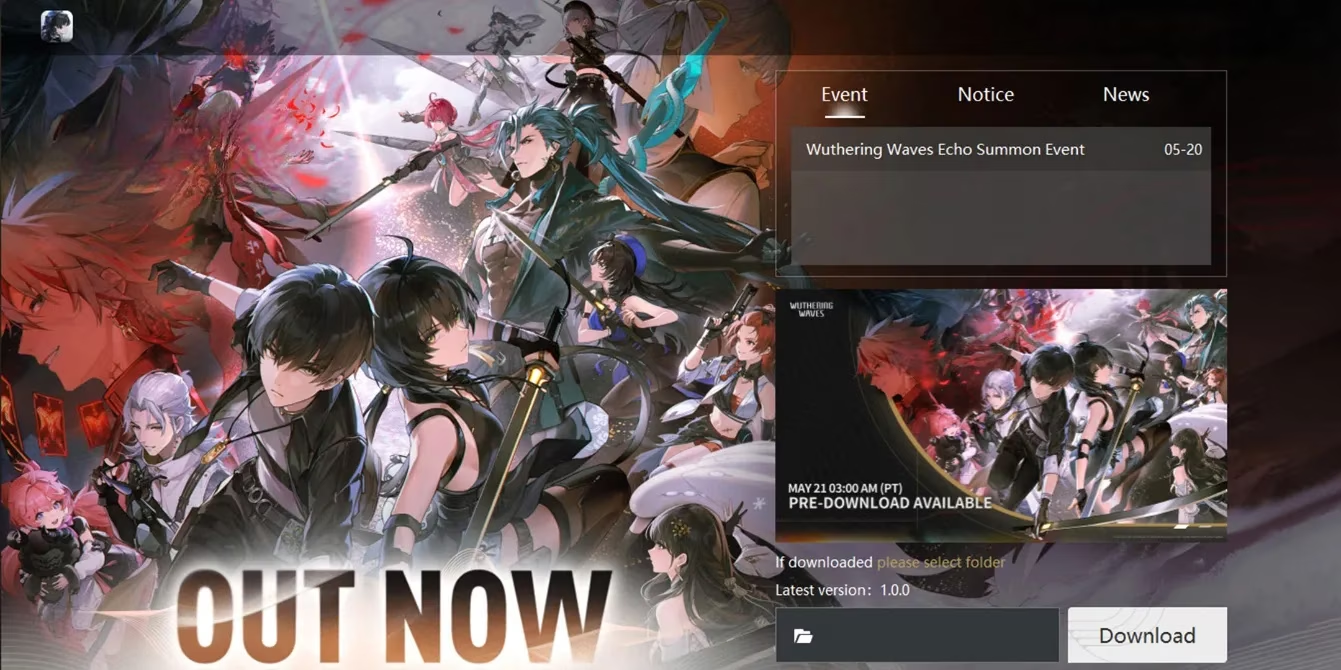
📅 The Countdown Begins: Pre-Download Times Across Time Zones
I marked my calendar immediately when I saw the global pre-download schedule. Here's the comprehensive timetable that helped me plan my download strategy:
| Time Zone | Pre-Download Time |
|---|---|
| Pacific Time | May 22, 3:00 AM |
| Mountain Time | May 22, 4:00 AM |
| Central Time | May 22, 5:00 AM |
| Eastern Time | May 22, 6:00 AM |
| Greenwich Mean Time | May 22, 10:00 AM |
| Central European Time | May 22, 12:00 PM |
| Indian Standard Time | May 22, 3:30 PM |
| China Standard Time | May 22, 6:00 PM |
| Japan Standard Time | May 22, 7:00 PM |
| Australian Eastern Standard Time | May 22, 8:00 PM |
Choosing Your Platform: Where to Pre-Download
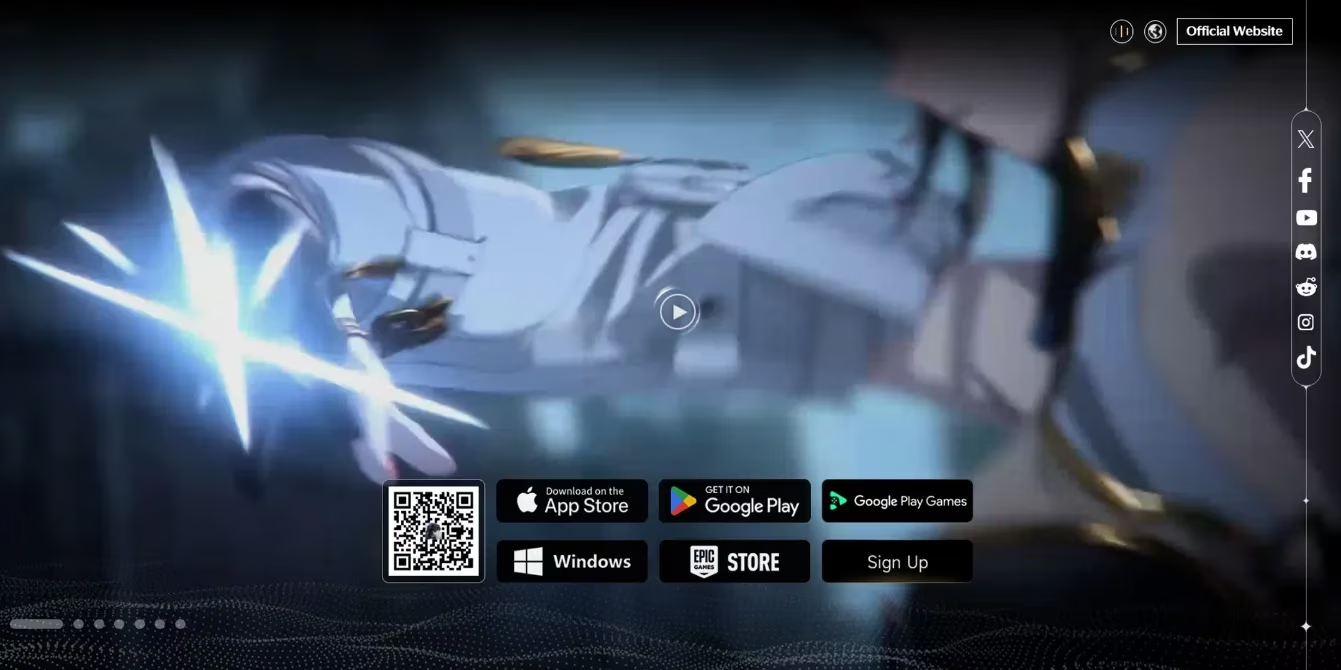
As I prepared for the download, I discovered that Wuthering Waves offers multiple platform options, though console players will have to wait a bit longer. Here's what I found available:
Mobile Platforms 📱
-
App Store (for iOS devices)
-
Google Play Store (for Android devices)
PC Platforms 💻
-
Official Website (Windows version)
-
Epic Games Store
-
Google Play Games
-
Wuthering Waves Launcher
📱 My Mobile Download Experience
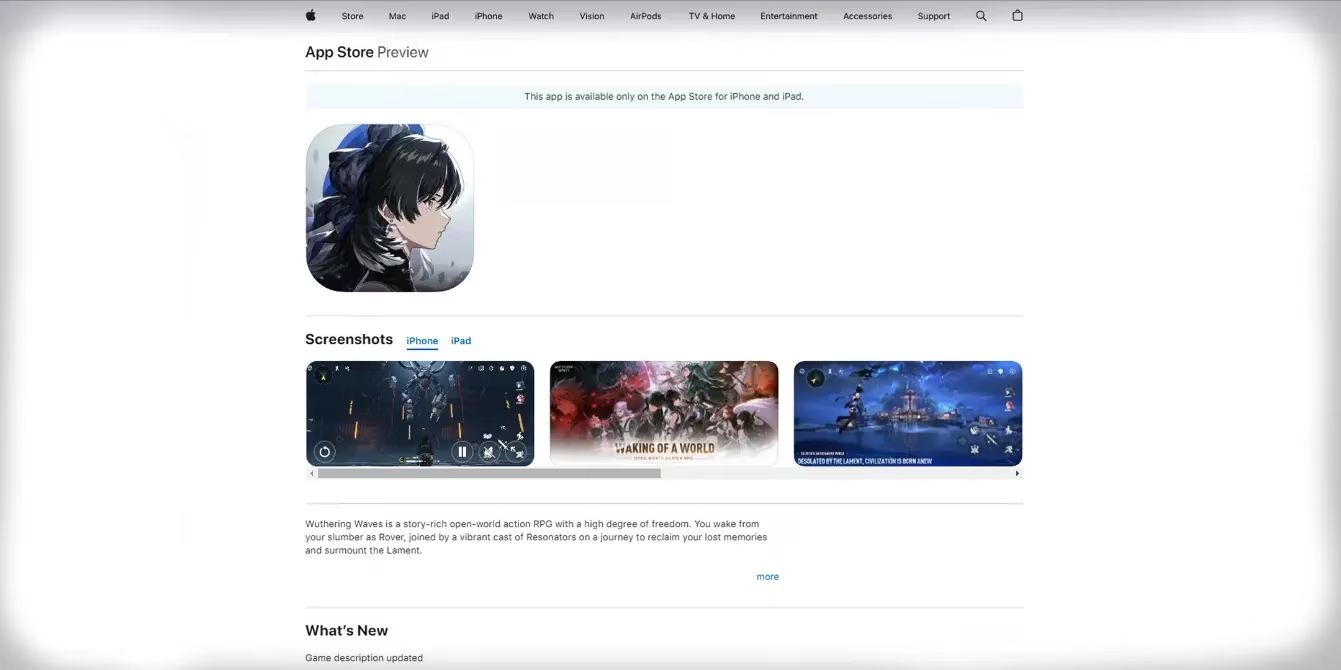
iOS Journey with App Store
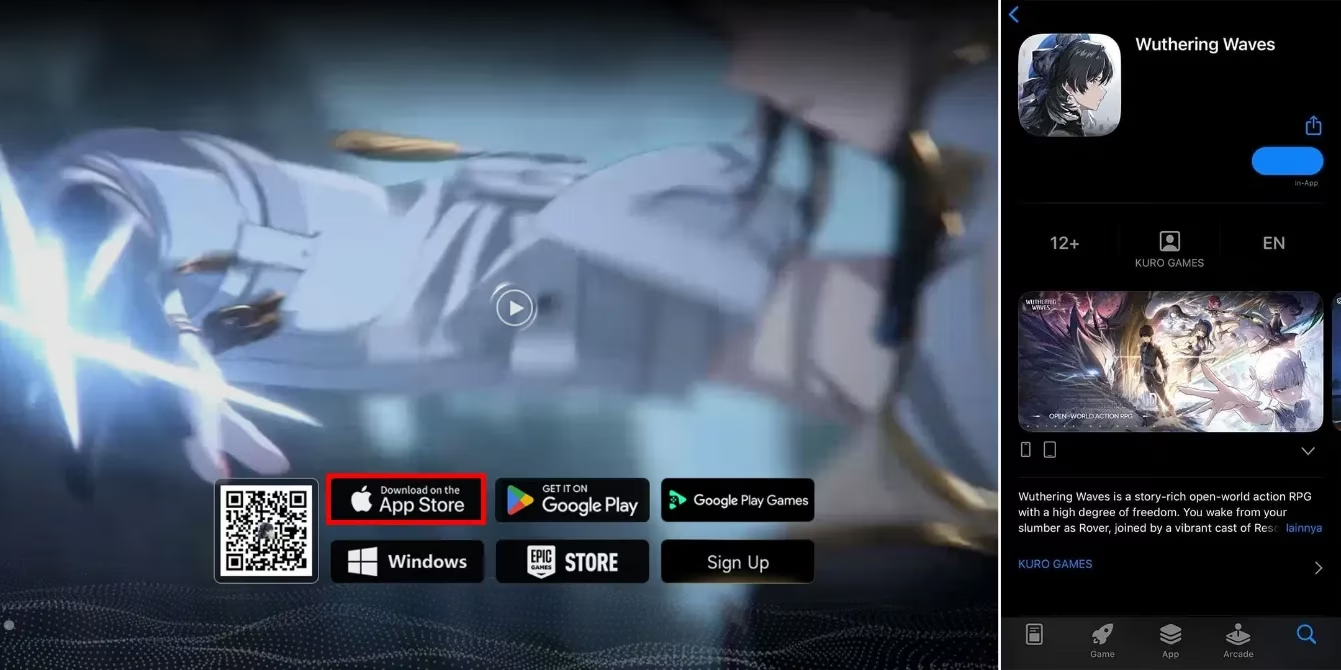
As an iPhone user, I found the App Store process incredibly smooth. The download consists of two parts:
-
3.12 GB from the Apple App Store
-
6.28 GB additional in-game data
-
Total: 9.4 GB
The anticipation built as I watched the progress bar fill up, knowing I'd be among the first to explore this new world!
Android Adventure with Google Play Store
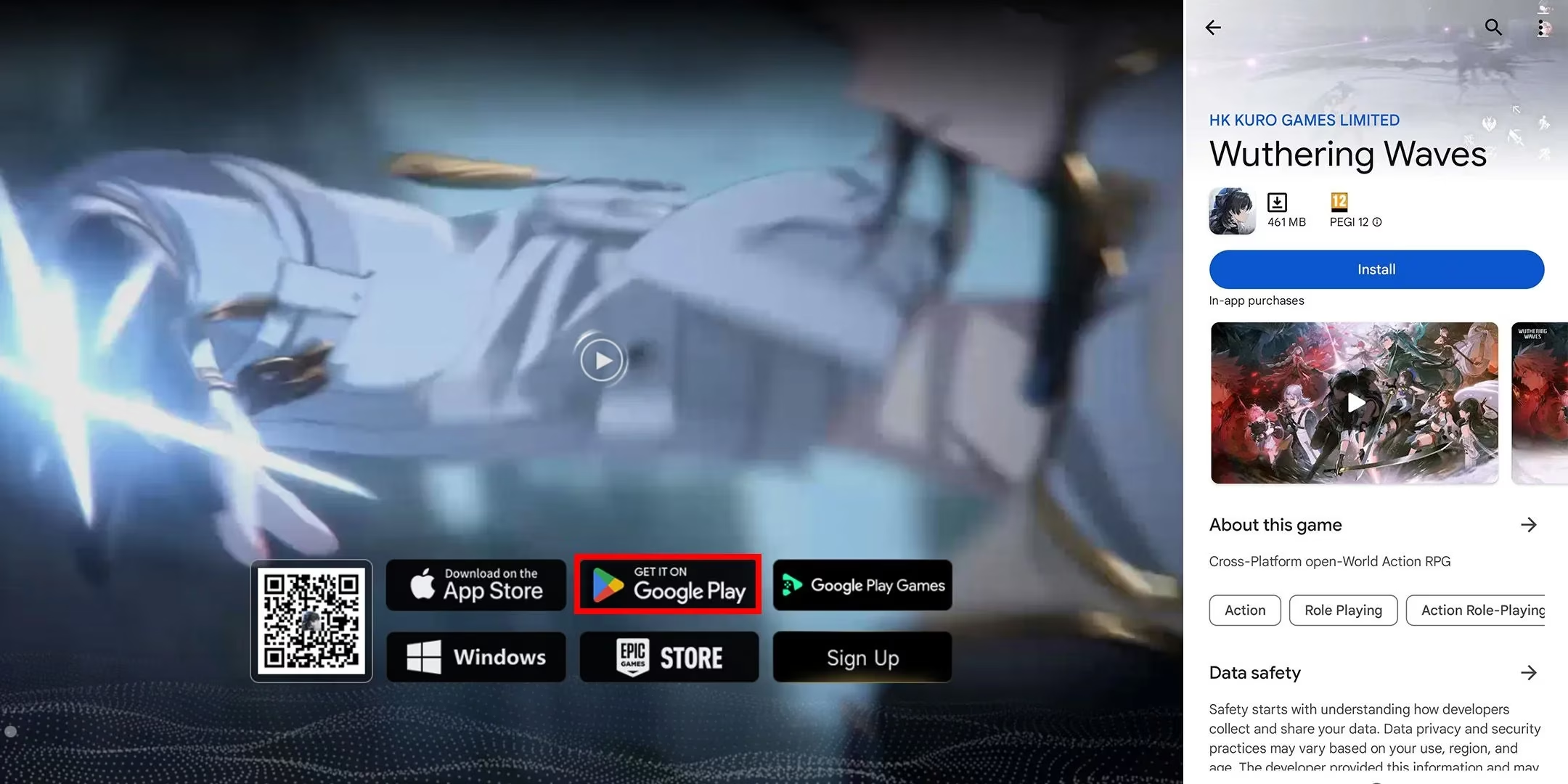
My Android tablet required a slightly different approach:
-
462 MB from Google Play Store
-
7.30 GB in-game data
-
Total: 7.75 GB
For those without access to Google Play Store, alternative platforms like QooApp came to the rescue!
💻 My PC Download Saga
Official Launcher Method
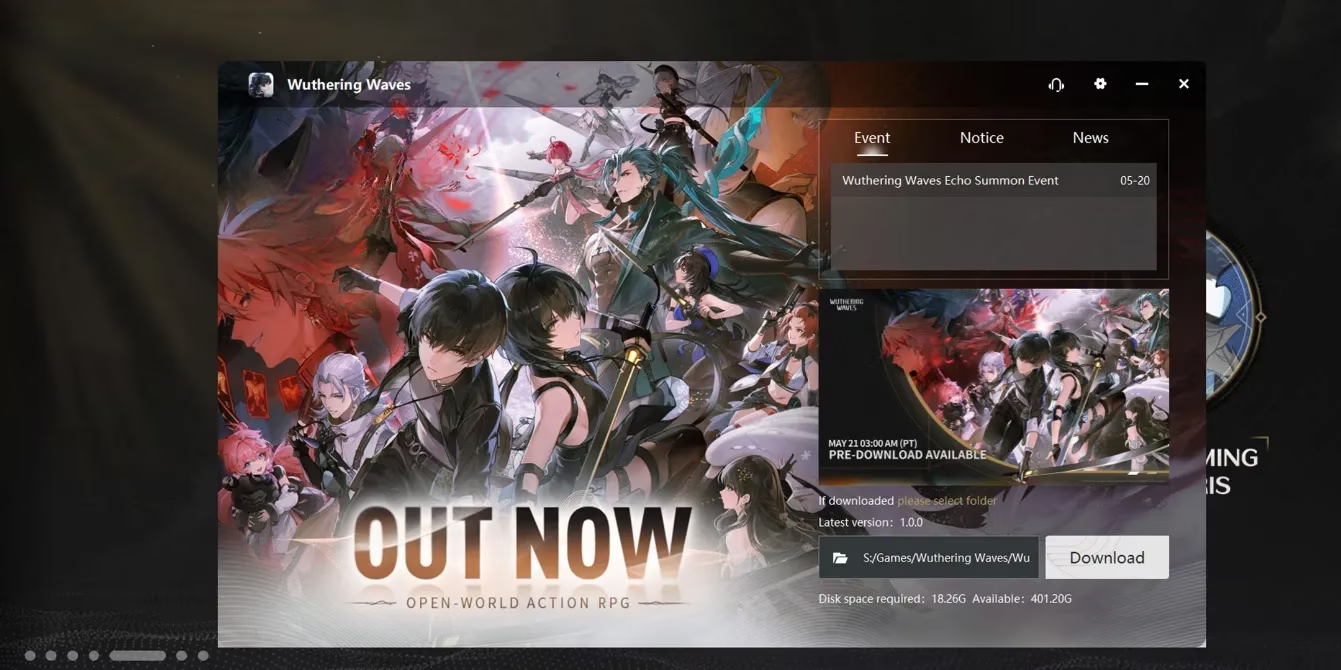
The official website offered the most straightforward approach:
-
Visit the Wuthering Waves official website
-
Select the Windows option for launcher download
-
Install the Wuthering Waves launcher
-
Initiate the pre-download process
Storage requirements:
-
18.26 GB through the launcher
-
507.12 MB in-game download
-
Total: 18.75 GB
Epic Games Store Route
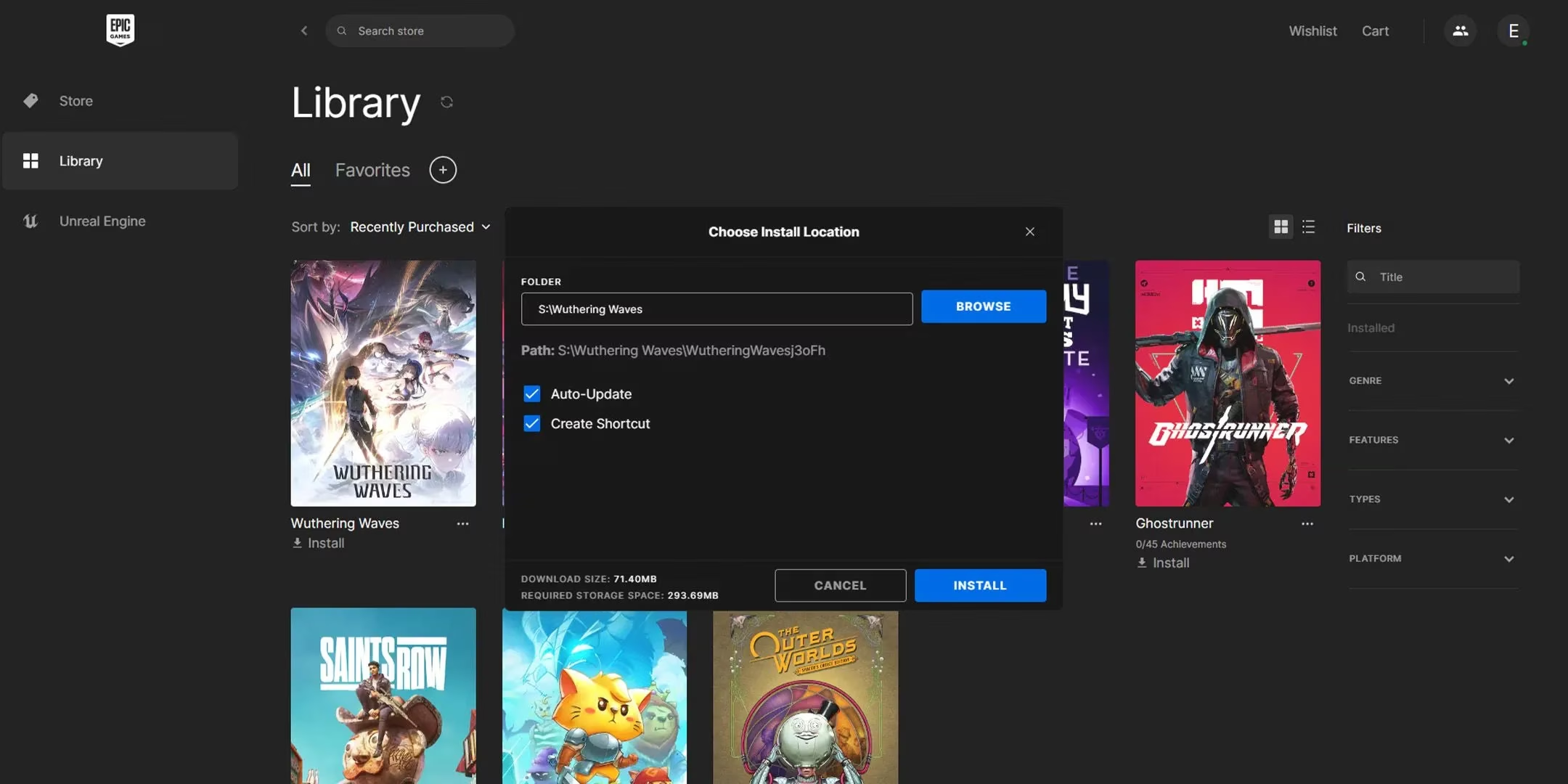
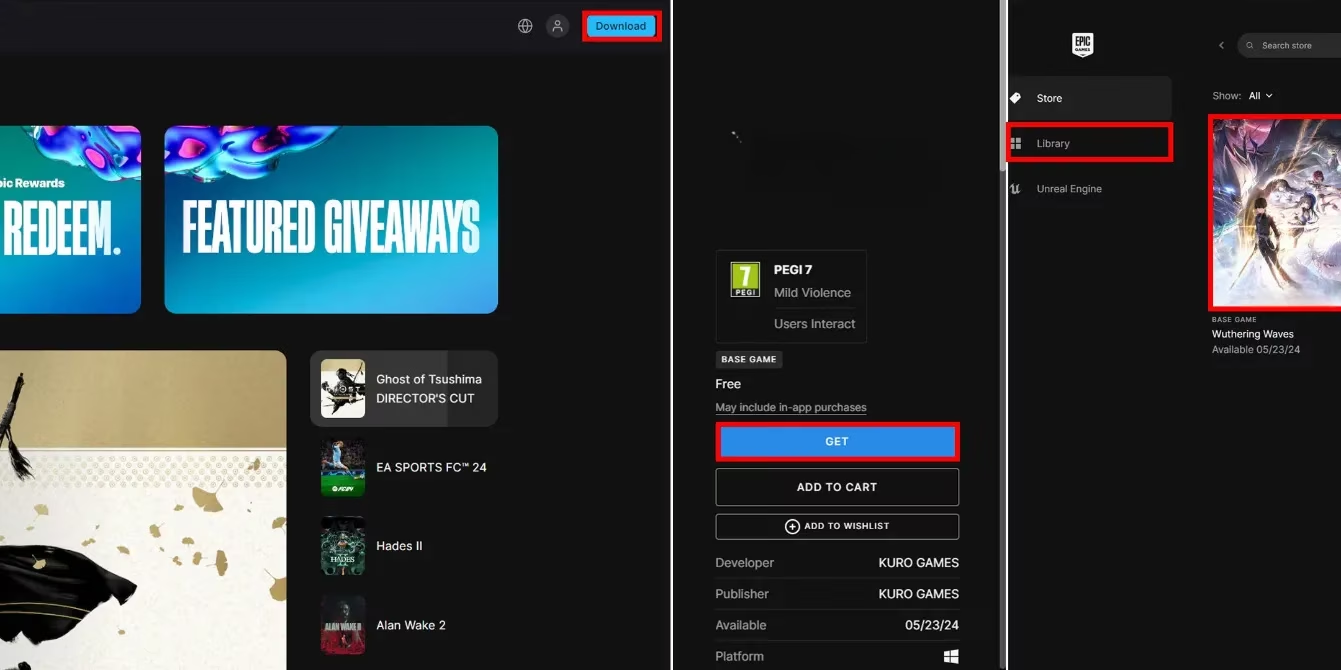
For those preferring Epic Games Store, the process was equally simple:
-
Download the Epic Games Launcher
-
Install the application
-
Sign in or create an account
-
Search for Wuthering Waves
-
Click "Get" and proceed to installation
-
Access your library to begin the download
Google Play Games for PC
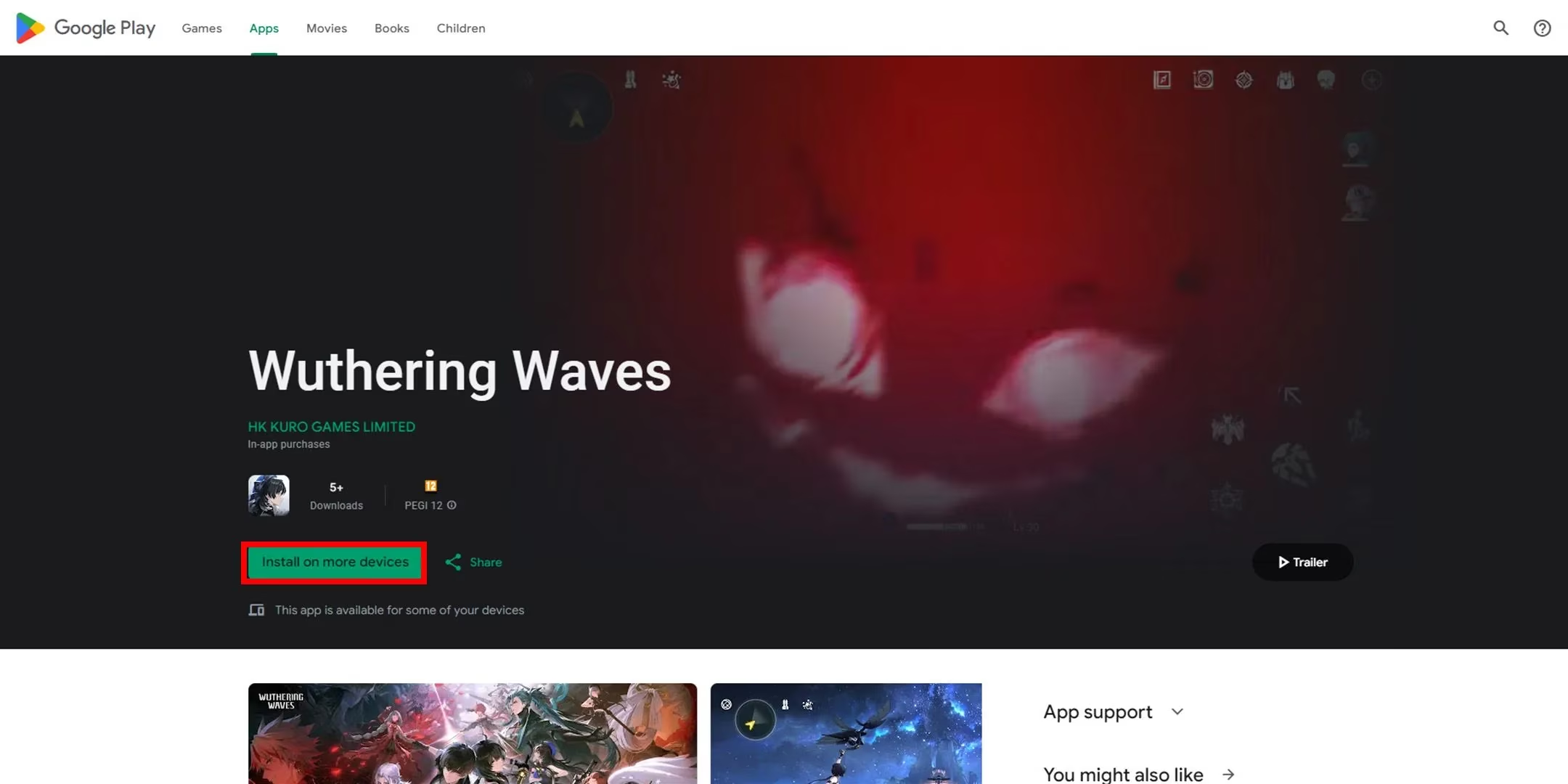
This newer platform offered an interesting alternative:
-
Visit the official website
-
Select Google Play Games option
-
Automatic redirection to the game page
-
Download and install the launcher
Mac Users' Pathway
MacBook enthusiasts had their own dedicated route through the Mac App Store with identical storage requirements as PC versions.
Key Takeaways from My Pre-Download Journey
Storage Planning is Crucial 💾
Having experienced multiple downloads, I can't stress enough how important it is to check your available storage:
Mobile Storage Needs:
-
✅ iOS: Clear at least 10GB
-
✅ Android: Clear at least 8GB
PC Storage Requirements:
-
✅ Minimum 20GB free space recommended
-
✅ Consider SSD for faster loading times
Platform-Specific Tips
For Mobile Players:
-
Ensure stable Wi-Fi connection
-
Consider downloading overnight
-
Keep device charging during download
For PC Gamers:
-
Close other bandwidth-intensive applications
-
Verify system requirements beforehand
-
Consider using Ethernet for stability
🌟 Why Pre-Download Matters
As someone who's been through countless game launches, the pre-download feature is an absolute game-changer. It eliminates the dreaded launch day download queues and allows you to jump straight into the action when servers go live. The anticipation of having the game ready and waiting is part of the excitement!
🔮 Looking Ahead
While the current absence of console support is disappointing for some, the comprehensive coverage across PC and mobile platforms ensures that most gamers can join the adventure from day one. The meticulous planning behind these pre-download options shows the developers' commitment to a smooth launch experience.
As I write this, my devices are prepped and ready, the countdown timer is running, and the excitement is palpable. The world of Wuthering Waves awaits, and thanks to this well-executed pre-download system, we'll all be exploring it together from the very first moment. See you in the game, fellow Rovers!